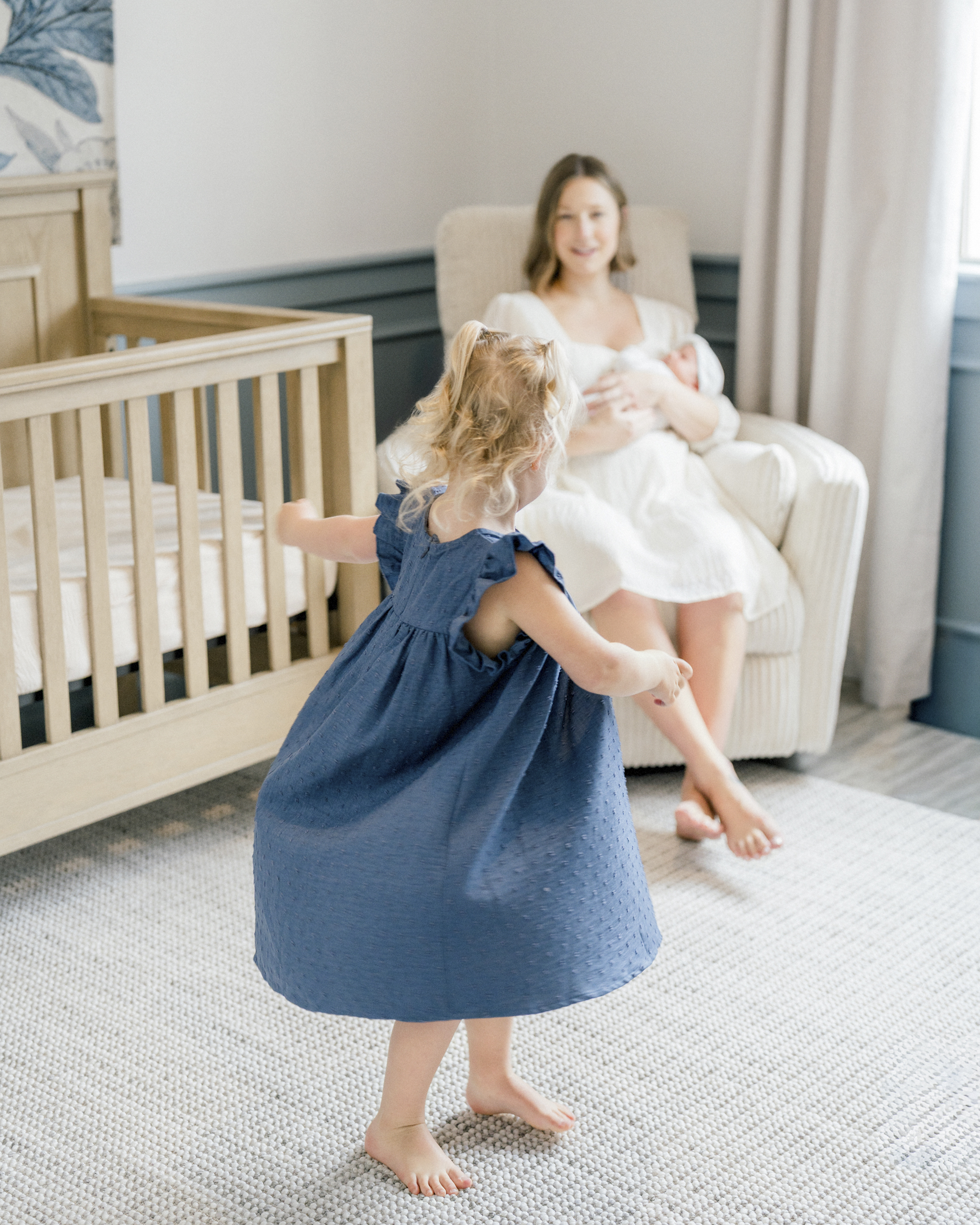




Ever wish your everyday photos looked like they belonged in a frame—or, dare I say, a magazine? Yep. Same. Today we’re diving into one of the most underrated (and totally magical) iPhone camera features: Portrait Mode.
Most people think it’s just for selfies or the occasional dog pic. But when you actually know how to use it… that’s when your photos start looking chef’s kiss professional. Think: crisp subject, dreamy background blur, and zero fancy gear required.
Let’s break it down.
What Is Portrait Mode, Anyway?
In short: it’s your iPhone’s way of pretending to be a fancy DSLR.
It gives you that soft, blurred background (called shallow depth of field) that makes your subject pop, just like the pros do. Whether you’re snapping a photo of your kid, your coffee, or your freshly groomed dog, portrait mode is that girl.
When to Use It (And When to Skip It)
Let’s set you up for success, shall we?
Use Portrait Mode when:
- The lighting is good (natural light is your BFF).
- Your subject is still. Think calm toddler, lounging dog, or a beautiful still moment.
- There’s space between your subject and the background. Don’t squish your kiddo against the wall, let that background melt like butter.
Skip Portrait Mode when:
- You’re at a soccer game or recital and everything’s moving a mile a minute.
- It’s too dark (it’ll just make things look fuzzy in a bad way).
- Your subject is too close to the background or you’re standing too close. Trust your camera when it tells you to “move farther away.” It’s not being rude. Promise.
Little Pro Tip from a Busy Mom
You might hear people say, “Keep your background clean!” but… I’m a mom. My background usually has toys, laundry, or yesterday’s snack involved.
Portrait mode is perfect for making the mess magically disappear. Blur it right out of focus.
Bonus Hack: Live Photos + Portrait Mode = Magic Combo
If you’ve watched my video on Live Mode (if not, go watch it next!), here’s a fun tip:
You can take a photo in Live Mode and then turn it into a Portrait Mode image after. So if you snap a cute shot and realize you forgot to switch to Portrait Mode, don’t worry, you’ve still got options!
Want My Go-To iPhone Camera Settings?
If you’ve ever wondered, “Okay, but what settings should I use?” I got you.
I created a free iPhone camera settings cheat sheet that walks you through exactly what I use to get beautiful, dreamy photos on the go. It’s quick, clear, and made for moms like us.
Final Thoughts: You Don’t Need a Fancy Camera
You really don’t. Just a little know-how, some decent lighting, and Portrait Mode can make all the difference.
So next time your kid is sitting still and the light’s hitting just right, grab your phone, open the camera, switch to Portrait Mode, and snap. You’ll be amazed at the difference.
Oh, and if this helped, I’d love it if you’d share it with a friend (or five).
Let’s have everyone taking gorgeous iPhone pics without the overwhelm.
Until next time! Get out there and take beautiful photos.
You’ve got this.
Want to watch me walk through all of this step-by-step?
Check out the full tutorial on my YouTube channel (or down below) and don’t forget to subscribe while you’re there!
PUT A PIN ON IT!
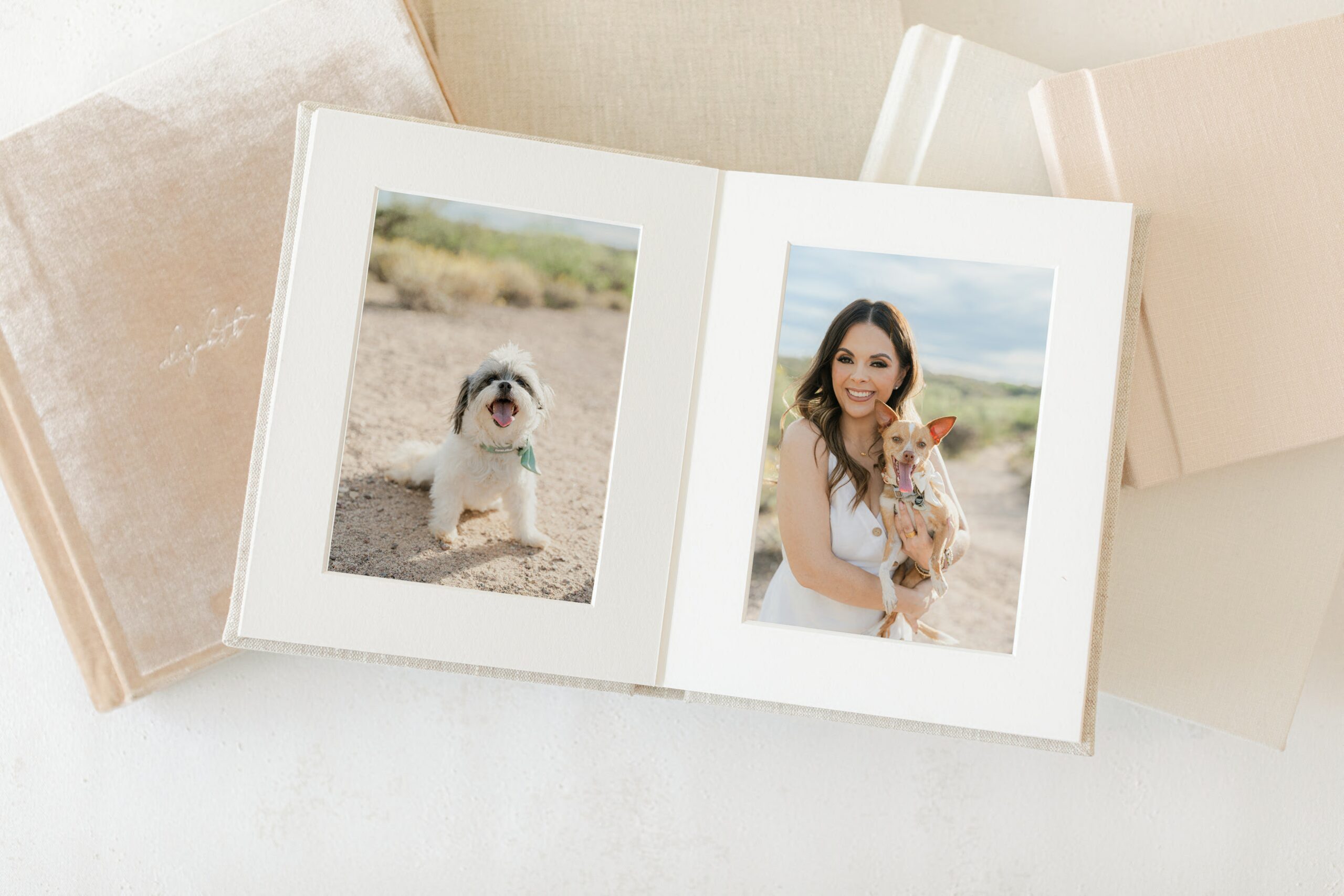
You hired a photographer. You cried when you saw the gallery. You downloaded the files. And then six months later you realized you still have not printed a single photo. Sound familiar? You are not alone and it is exactly why I talk to every single family about ordering a printed photo album before the […]
Why Every Family Deserves a Printed Photo Album (And the Heartbreaking Reason I Know This Firsthand)
My son turns 11 today Eleven. I honestly do not know how that happened. During COVID, when the world had completely stopped and we were all just home together with nowhere to go and nothing to do, I took his portrait. He was little. He had that look on his face that only kids have, […]
Okay, real talk. If you’ve been stress-cleaning every corner of your house before your Tucson lifestyle family session, I need you to stop. Not because I don’t appreciate a tidy space, but because you’re probably focused on all the wrong things. So let me tell you what I’m actually looking for when I walk into […]